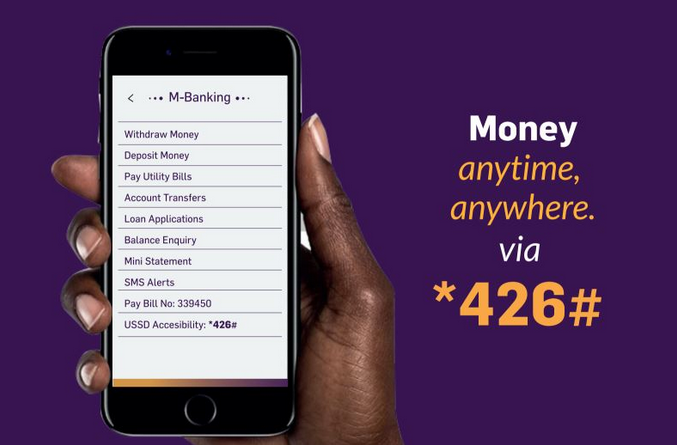
Paybill
Deposit money via mpesa paybill, Mobile app and our short code
How to make a deposit to your NewFortis Account
or pay a loan using your mobile phone.
- Go to M-pesa Menu, select Lipa na M-pesa, then select PAYBILL
- Enter Business No 339450
- Enter NewFortis Account Number as follows:
NOTE: The account number will be your national ID number registered in our system.
- For Member Deposits ID NO./DEP
- For Risk ID NO./RISK
- For Loan Repayment ID NO./LOAN
- For Share Capital ID NO./SCAP
- For Savings ID NO./SAV
- For Christmas ID NO./XMAS
- For Entrance Fee ID NO./ENT
- For Re-Entrance Fee ID NO./ENT
- To make one deposit to different accounts, for example, to contribute towards member deposits, risk and loan repayment, use:
ID NO./DEP/RISK/LOAN
- Enter Amount you wish to deposit.
- Enter MPESA PIN.
NB: If you are registered on USSD or the Mobile App, there is a menu for depositing to different accounts.